¶ iOS guide on VoCPhone App
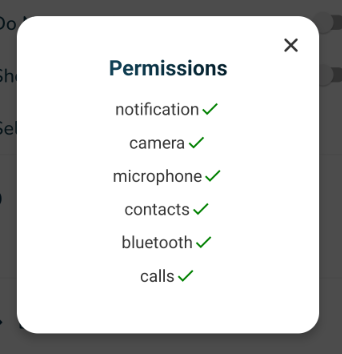
With the VOCPHONE app, there are some permissions that we need to enable for the app to work without issues.
- Once we install the new app. it will ask for Notification Settings:
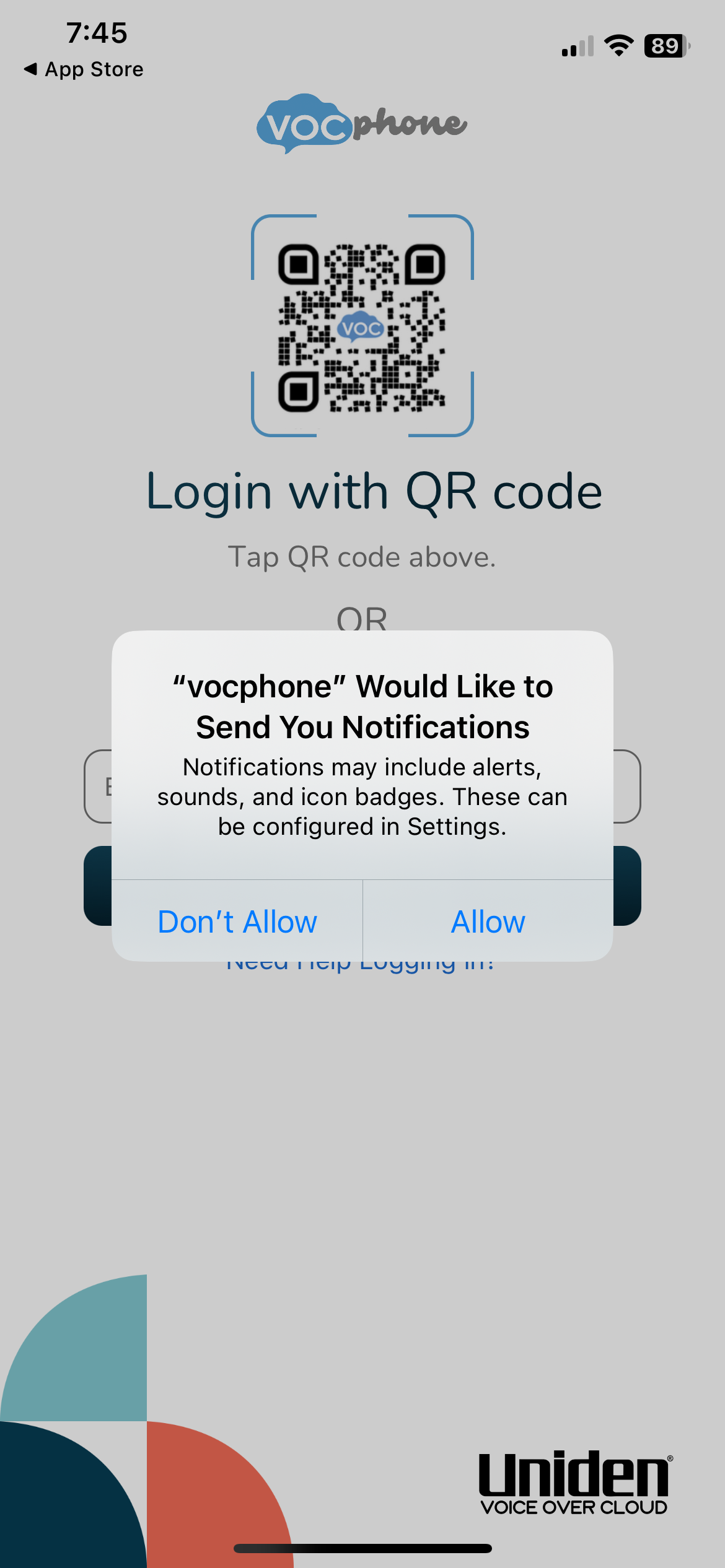
Click Allow so we can receive push notifications and call alerts.
- Login via QR or Email
Once logged in, an alert will pop up asking for permissions:
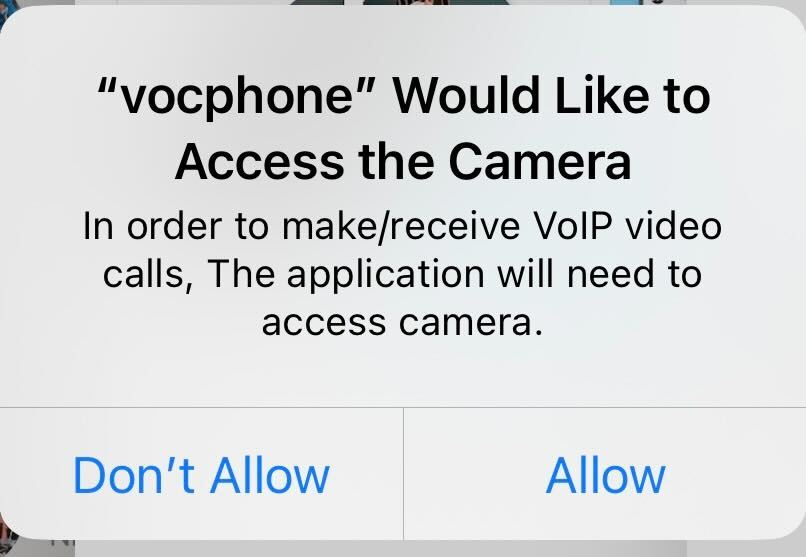
**Camera Permissions for VoIP video calls**
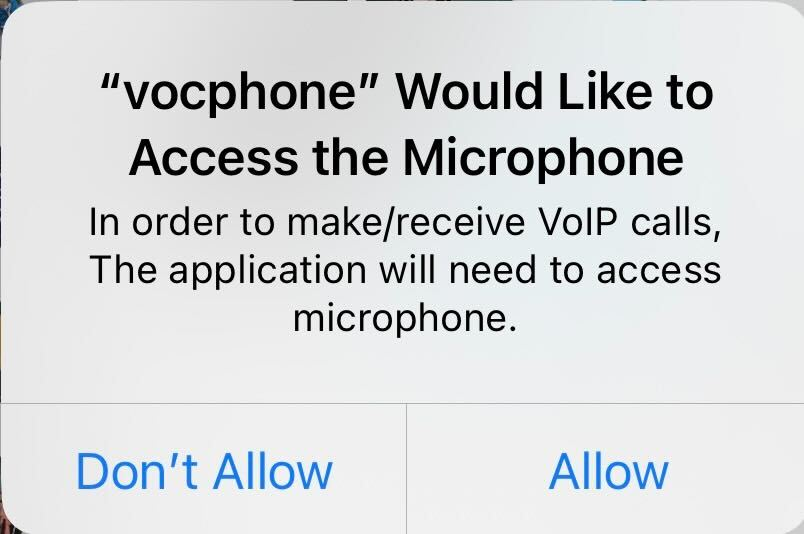
**Microphone Permissions to ensure audio communications**
Click “Allow” for both
- Contacts
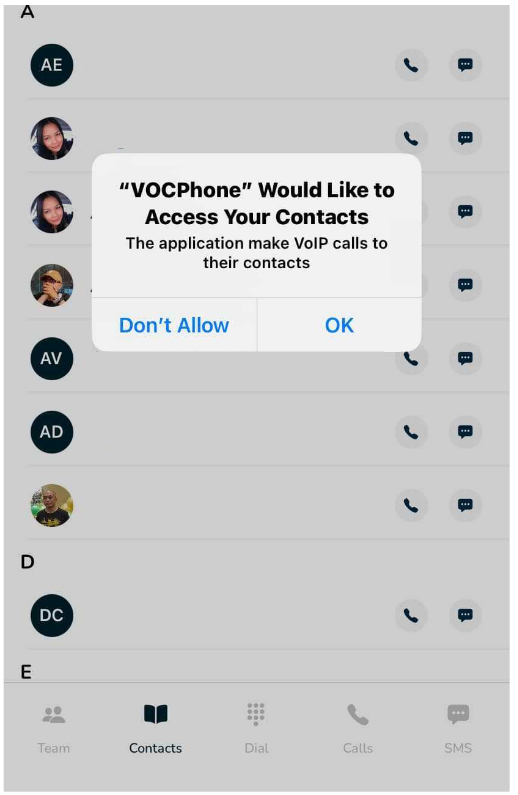
Click OK to allow contacts to be used by the app.
- Double check the permissions by navigating to Settings->vocphone
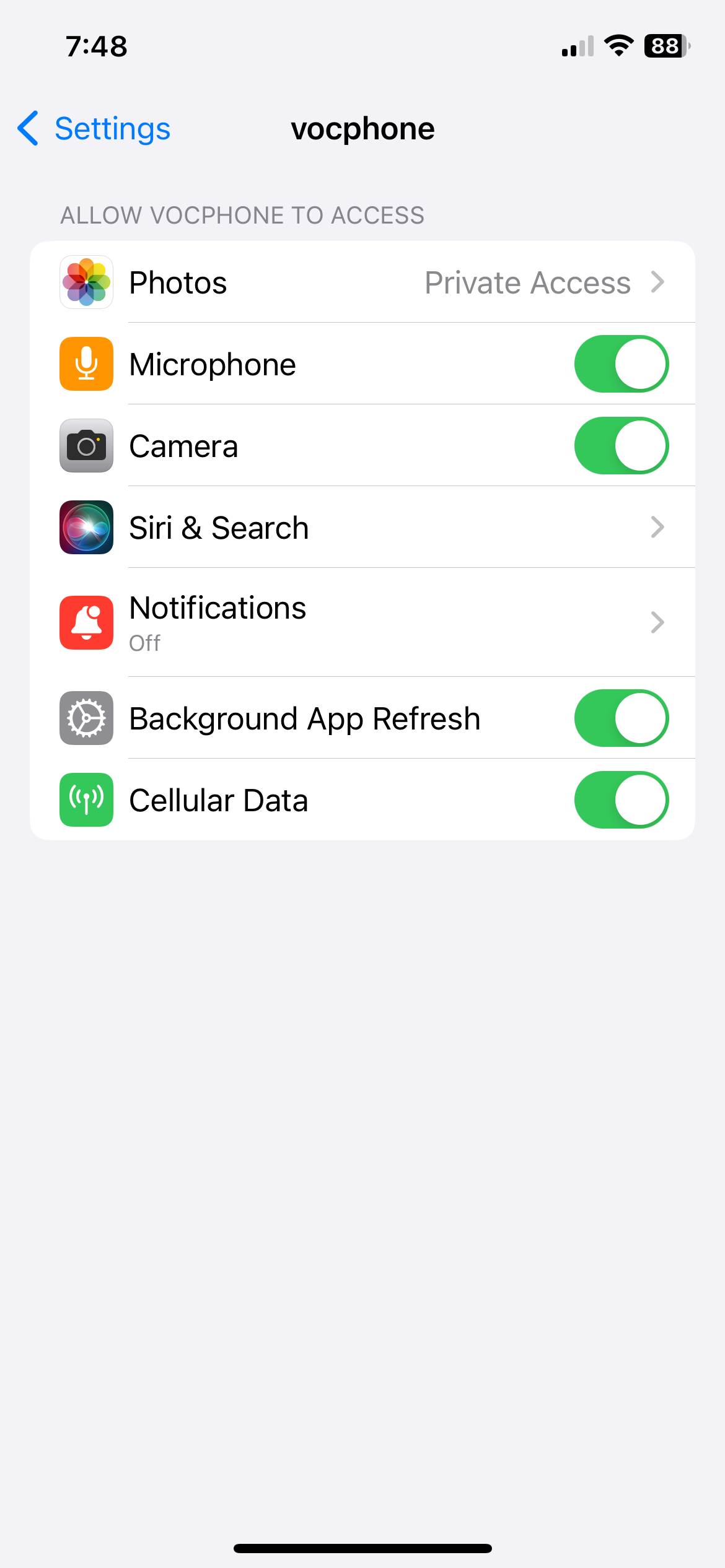
- Make sure everything is toggled for the app to work without issues. (Click on App Permissions)
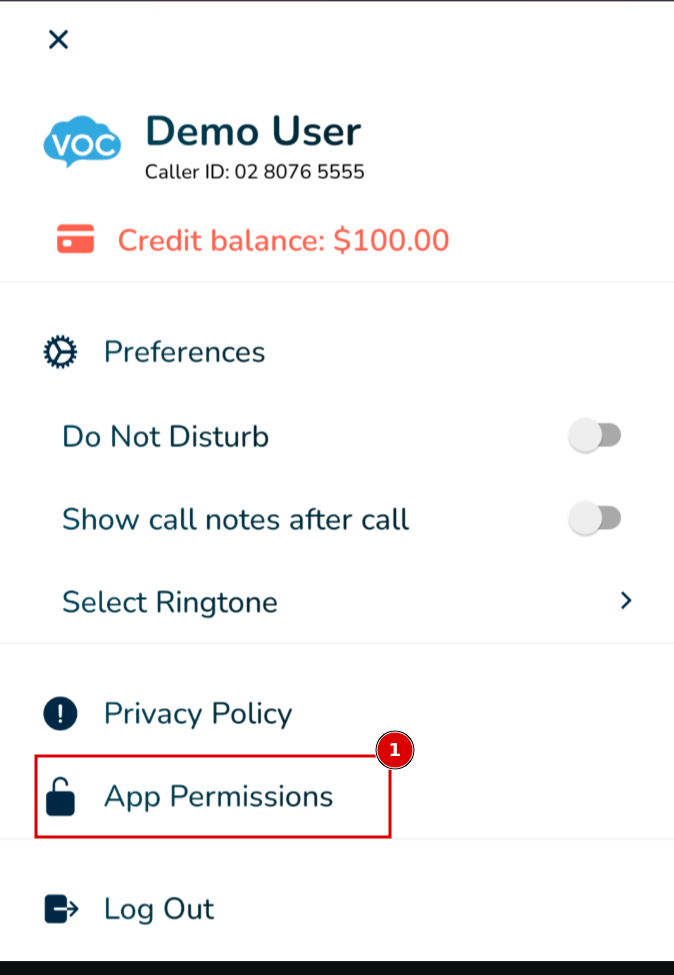
Ensure all permissions have are enabled