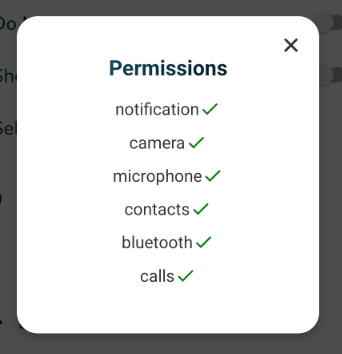
¶ Permission Settings for Android for new VOCPhone App
With the VOCPhone app, there are some permissions that we need to enable for the app to work without issues.
Setting the permissions
Check the permissions enabled
¶ Setting the permissions
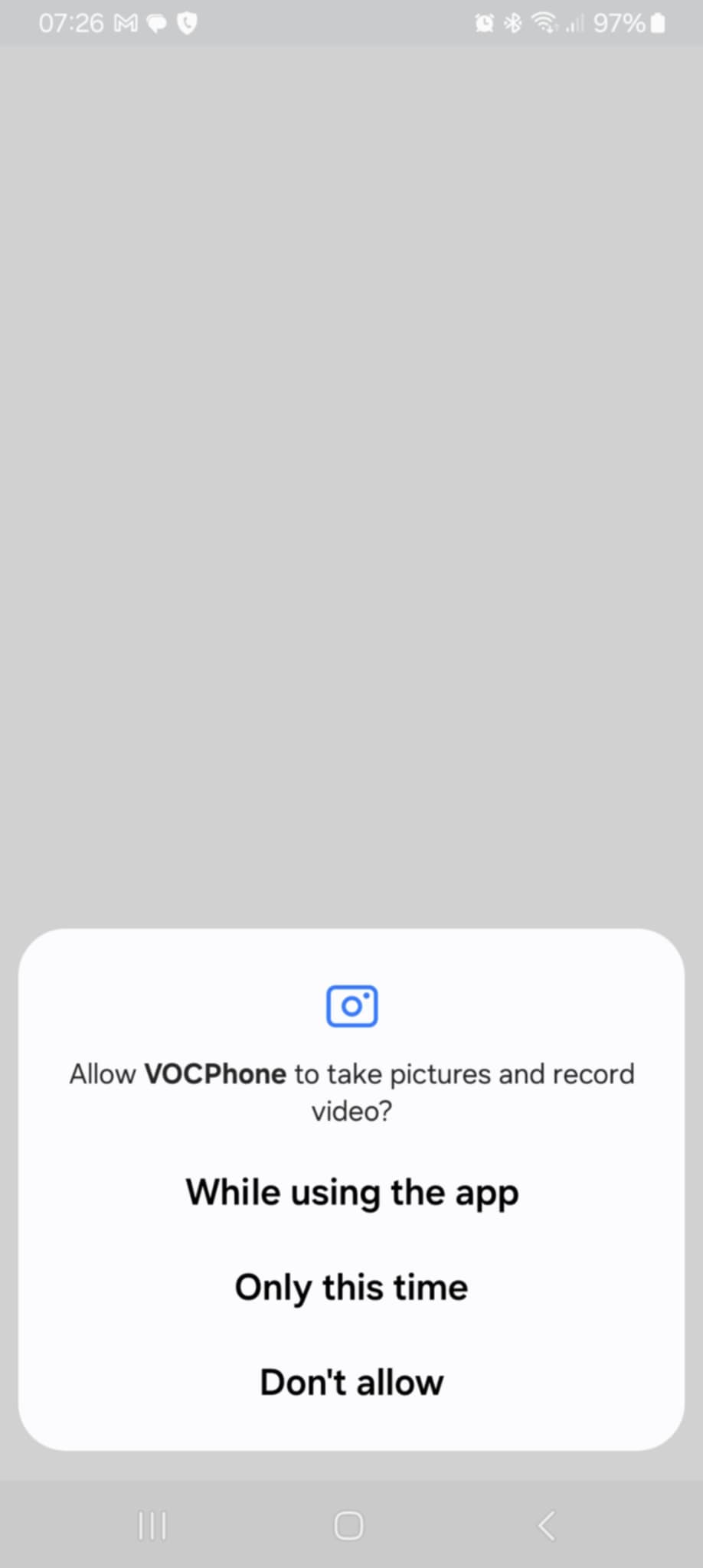
- Once we install the new app. it will first ask for Camera Permissions:
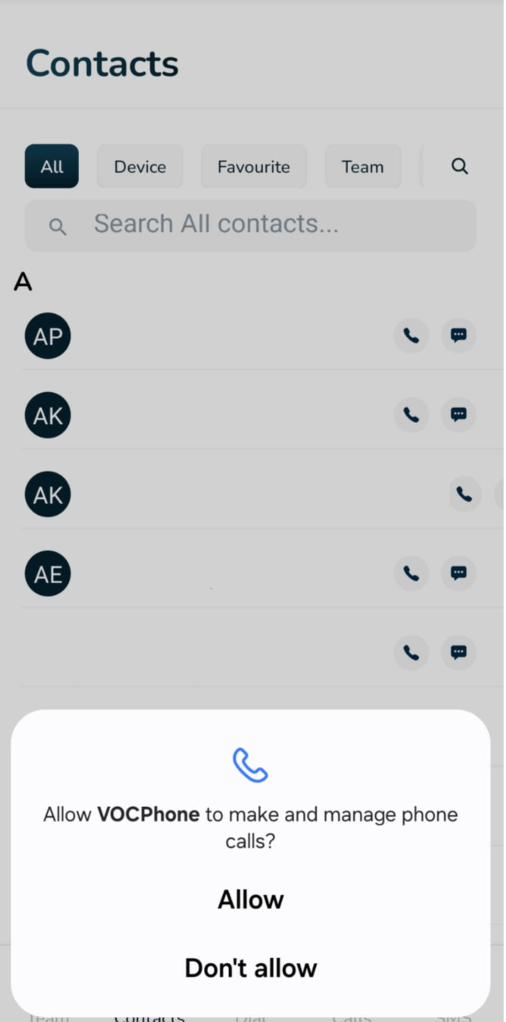
- Calls Permission - “Allow”
- Contacts Permission - set to “While Using the App”
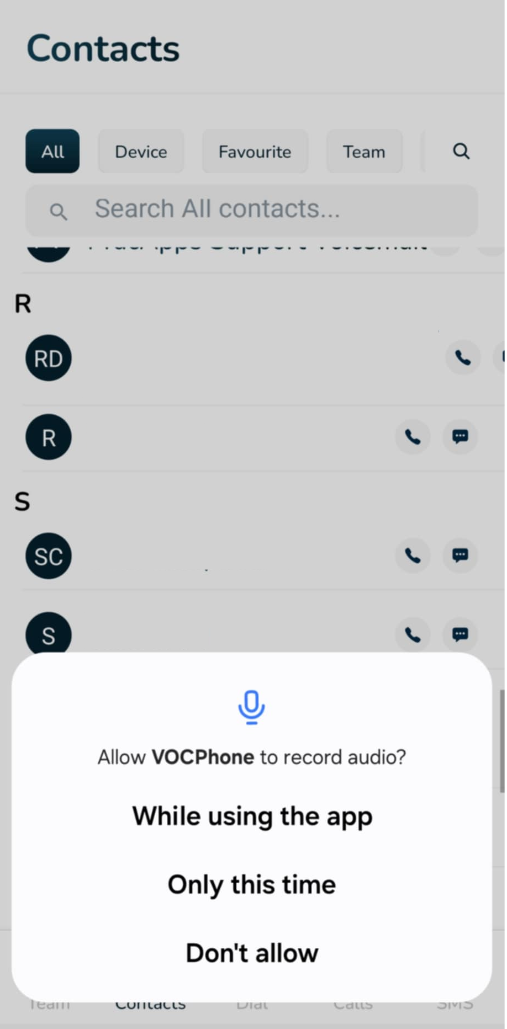
- Notification Permission - set to “While Using the App”
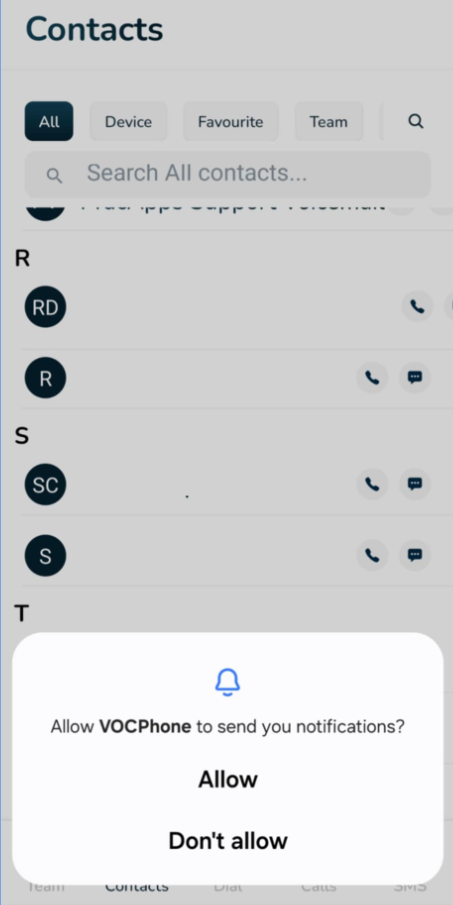
- Review the permissions by going to Settings->Apps->select VOCPhone->App Permissions
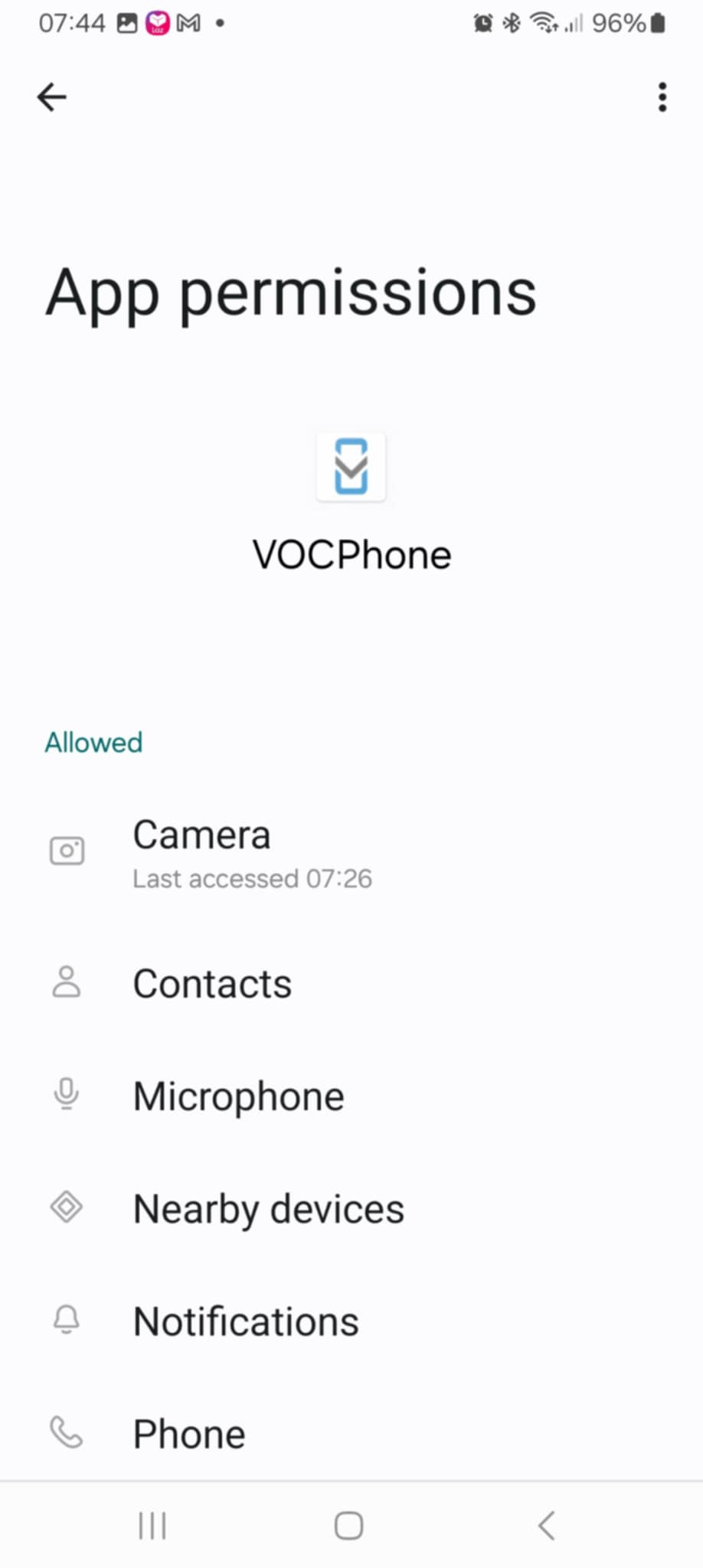
Ensure that the permissions are all enabled/allowed, if there is disabled permission, enable it:
¶ Check the permissions enabled
- Click on your name to access the preferences page
- Click on App Permissions
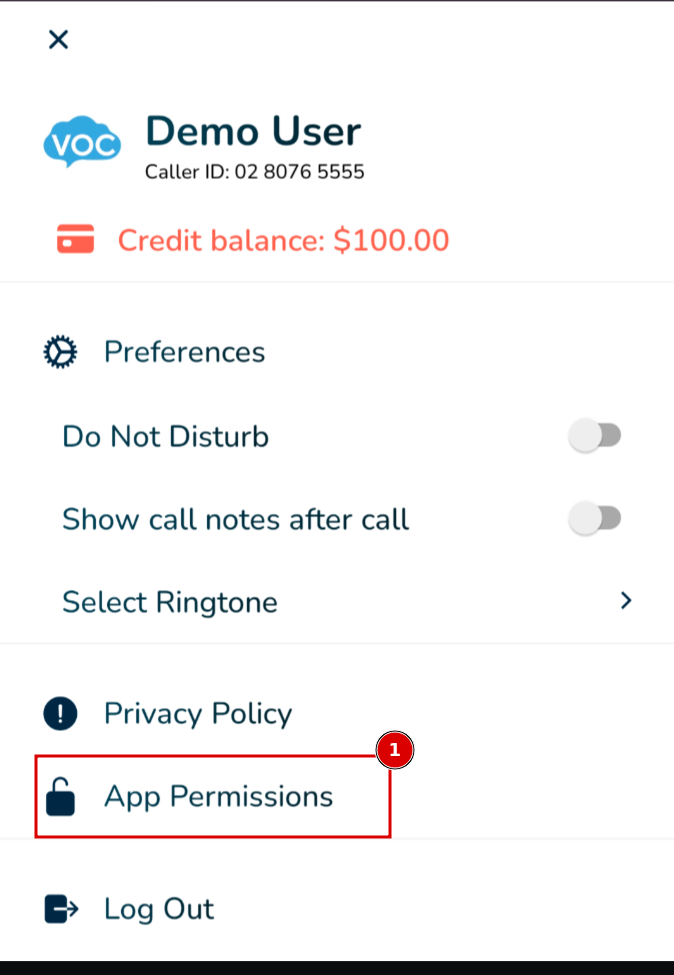
- Ensure all permissions have are enabled