¶ Enable Debugging for iOS
For the support to further investigate on the issues with regards to the mobile app, we recommend that you turn on the Debug Mode so we can see the logs for us to understand what is causing the issues.
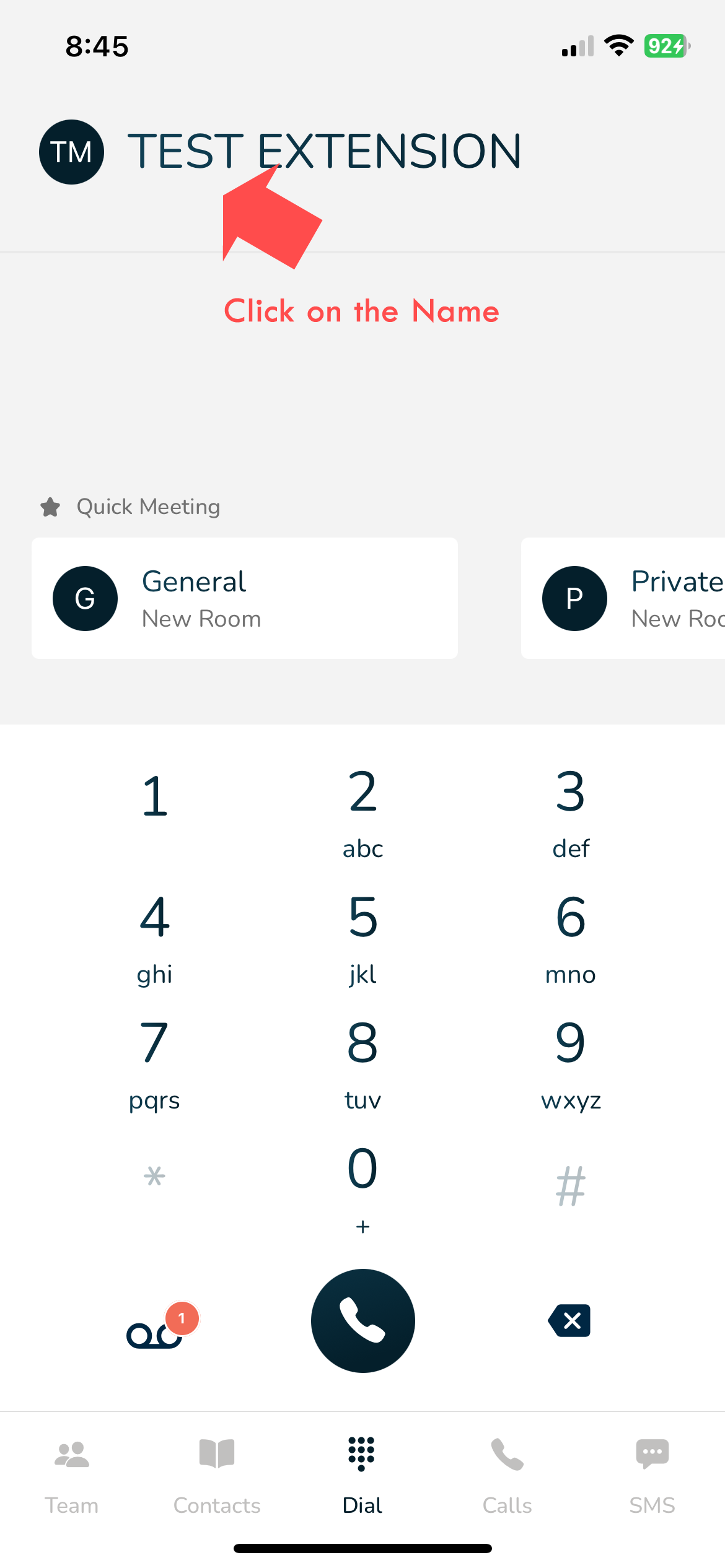
Step 1: Click on the Username on top
Step 2: Click on the version number
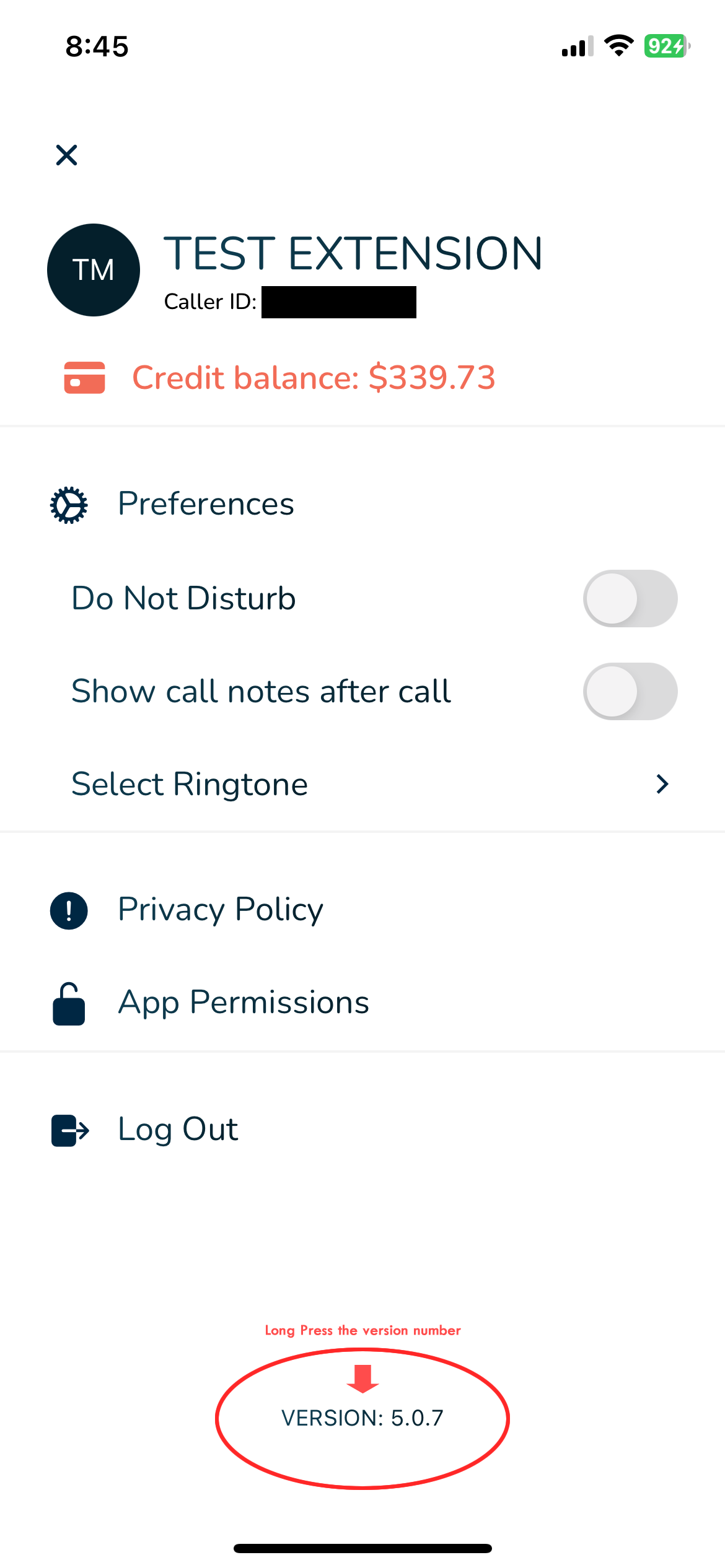
As of January 2025 for iOS the latest version is 5.0.18 and for Android is 5.0.19 This will be updated from time to time
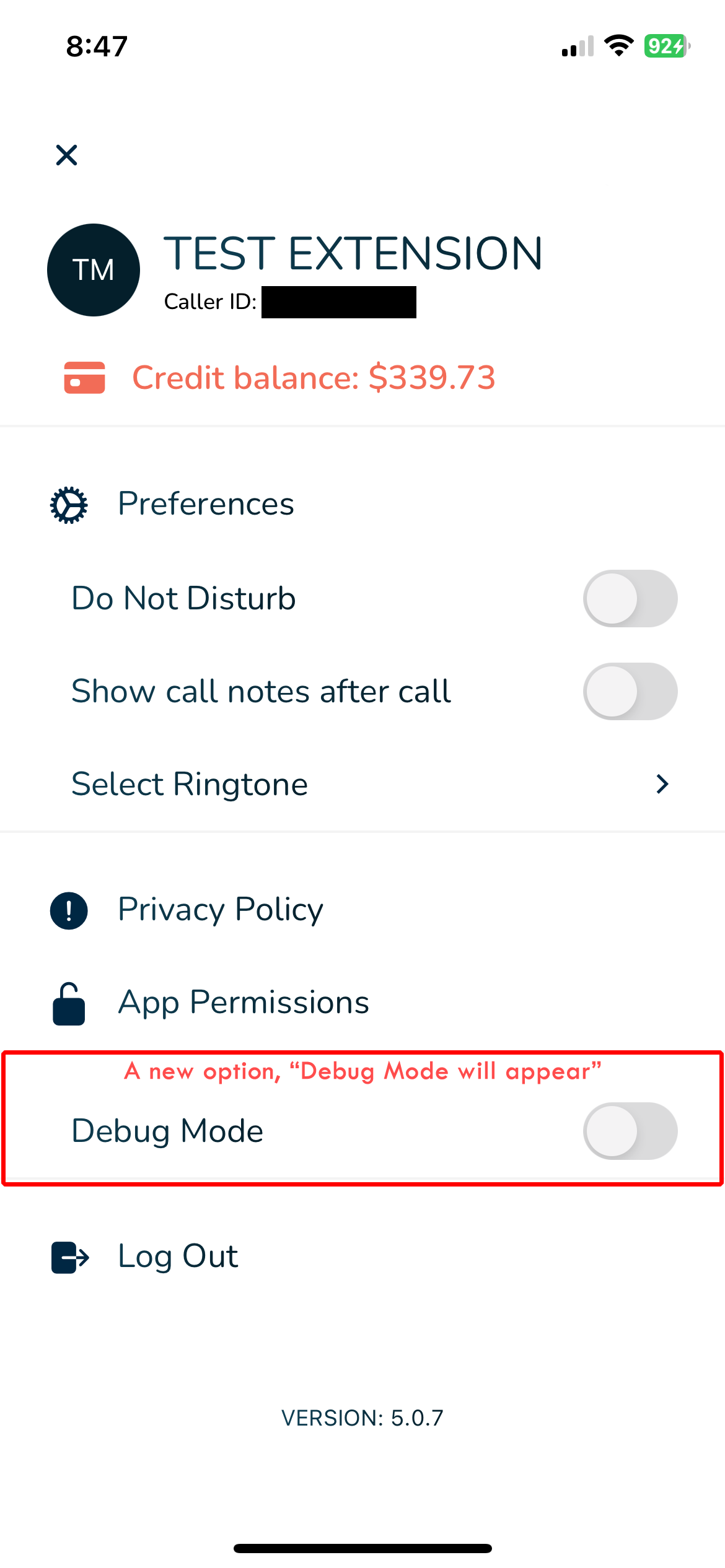
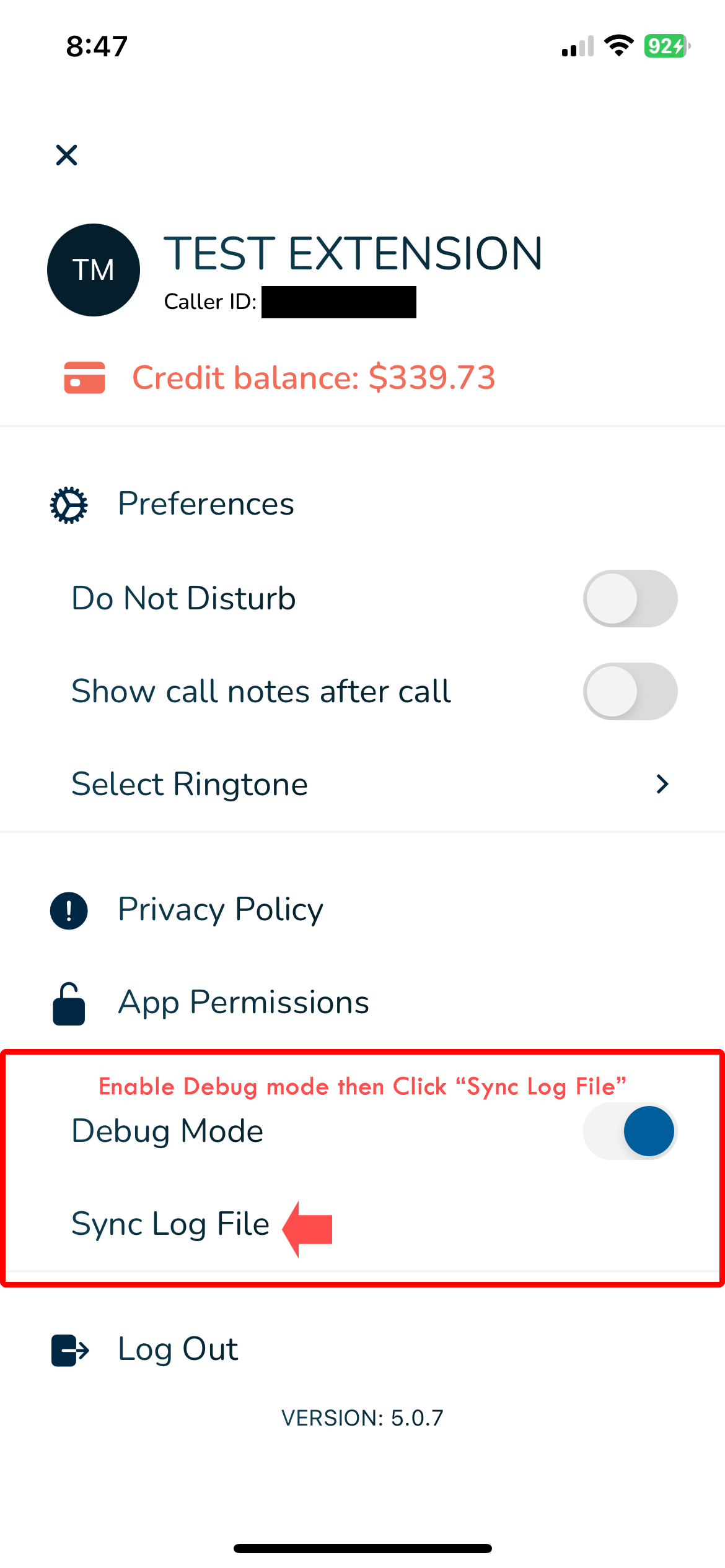
Step 3: Enable Debug Mode
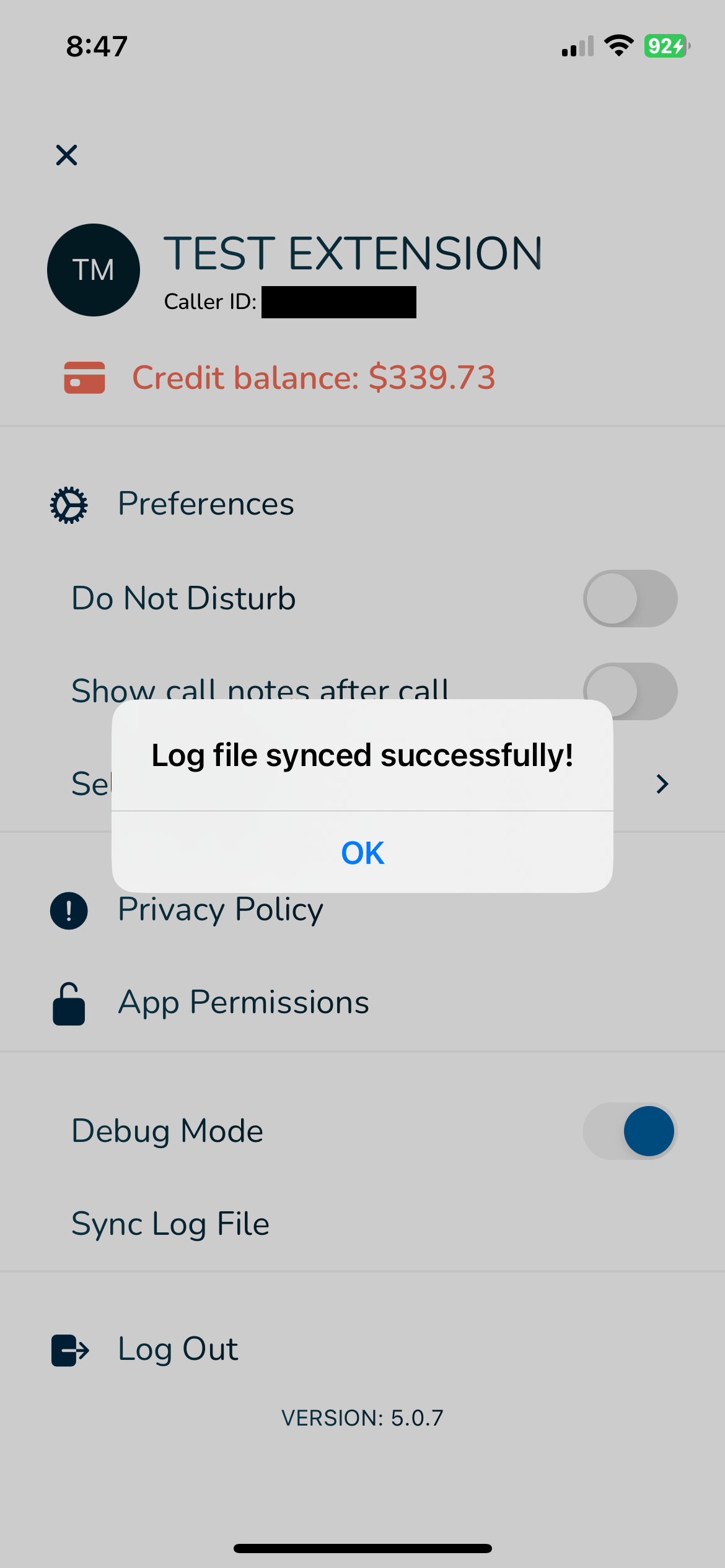
Step 4: Click on “Sync Log File”
A confirmation message will appear